Ear Training with Your Hands on the Keys
Ear training means being able to name or reproduce a chord from how it sounds, not from reading its symbol. The fastest way to build that skill is to hear the chord and play it back yourself on a real instrument, then find out immediately if you were right. Multiple-choice quizzes test recognition; playing the chord back tests the skill you actually use to learn songs by ear.
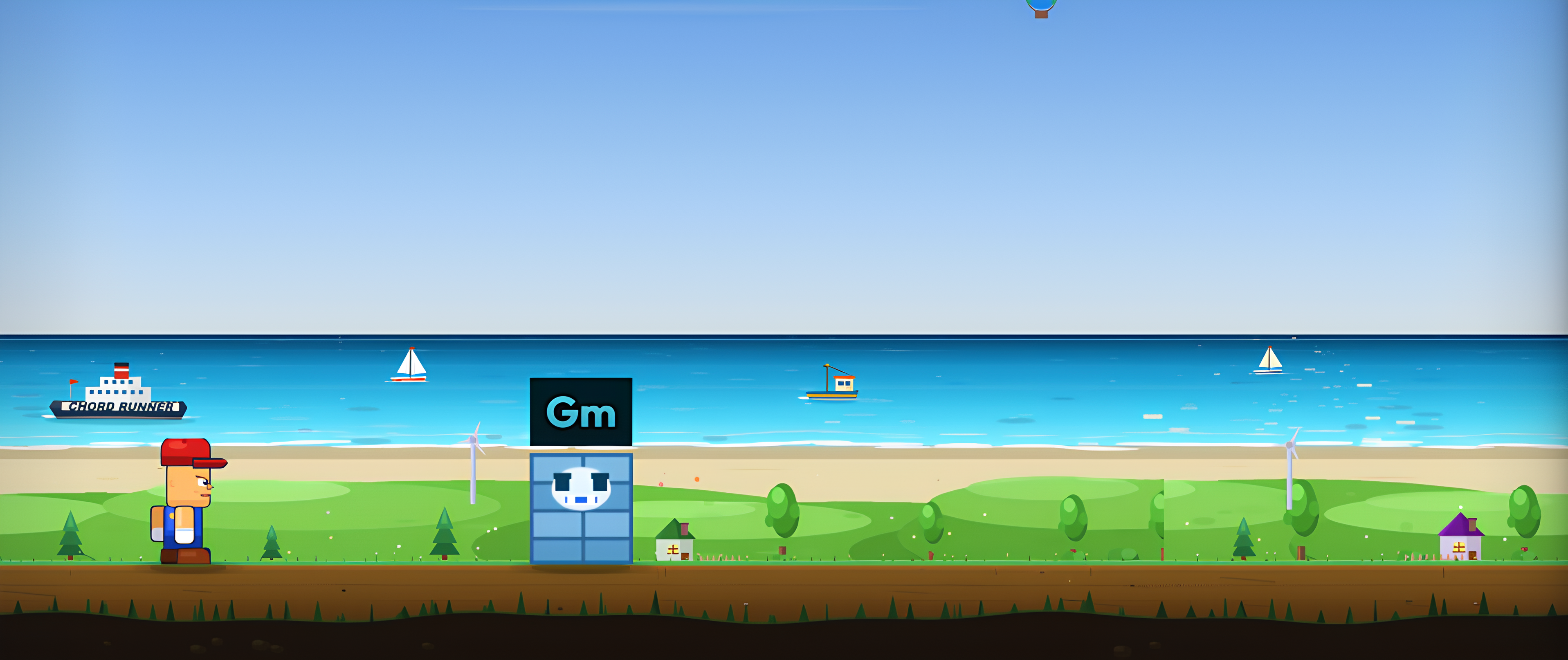
Learn by playing the actual game
A chord appears, you play it, the runner keeps going. No download, no signup. Plug in a MIDI keyboard or just use your microphone.
▶ Try ChordRunner Free Free demo - no download, no signup.Why playing back beats multiple choice
A multiple-choice ear test shows you the right answer next to three wrong ones and asks you to spot which sounds like what you heard. That is recognition, and it is a real skill, but it is not the one you need when a bandmate asks you to work out a chord from a recording with no options on screen. There, you have to reconstruct the chord from memory: hear it, guess a shape, play it, compare.
ChordRunner's Ear Training mode skips the multiple-choice step entirely. A note or chord plays, and you answer by playing it back on your own MIDI keyboard or into your microphone. The game checks what you actually played, note by note, against what it played. That loop, hear it and reproduce it, is closer to what happens when you sit at a piano and work out a song by ear.
Connecting your ear to your fingers
Naming a chord in your head ("that's minor") and finding it under your hands are two different skills, and most ear-training apps only build the first one. Playing back forces both to fire together: you hear the sound, your hand has to commit to a shape, and the game tells you instantly whether the shape matched the sound. Do that enough times and the two stop feeling separate.
Active recall on a real instrument
Psychology has a name for why this works better than picking from a list: active recall beats recognition for anything you want to actually keep. Reconstructing an answer from scratch, rather than spotting it among options, is harder in the moment and sticks longer afterward. A wrong guess here costs you nothing but a re-run, so there is no reason not to guess boldly and let the game correct you.
Try it: hear a chord, guess before you look
Press play, listen once, then guess the chord quality before revealing the answer. This uses your device's speaker, not your instrument, just to show the loop:
From triads to extended chords
Ear Training mode does not throw every chord type at you at once. You pick the pool it draws from, so the difficulty matches where your ear actually is, the same principle behind the chord type order in Chord Training.
Start with major vs minor
Major versus minor is the first distinction worth making automatic, because it is the one that shows up in almost every song and the one that trips up beginners most. Set the chord pool to major and minor triads only, in a single octave, and run short sessions until telling them apart stops taking a beat of thought.
Progress to 7ths and beyond
Once major and minor are reliable, widen the pool one step at a time: add diminished and augmented, then suspended chords, then 7ths, then the extended chords (9ths, 11ths, 13ths) from the same chord database Chord Training and Standard Levels use. You can also switch the mode to single notes for melodic dictation, hearing a short sequence and playing it back note by note, which trains a related but different skill: pitch memory rather than chord-quality recognition.
MIDI keyboard or microphone - your choice
Ear Training mode plays the target through your speakers and then waits for your answer, and it accepts that answer from either input path. A MIDI keyboard gives note-by-note precision: the game checks every note you press against the target as you press it, note by note if you get part of it right first. A microphone works too, listening to your acoustic piano or guitar and checking the chord (or the single note) you actually played, no MIDI hardware required.
Whichever input you use, a Replay button sits above the target if you need to hear it again, and a limited number of attempts (unlimited on microphone chord mode) keeps a hard round from ending the run instantly. Get it wrong on the last attempt and the game reveals and replays the answer once, so every miss still teaches you something before the next one spawns.
Practice this in the game
Start with a short session: major vs minor triads only, single octave, ten minutes. Note which quality you keep missing, if any, and run it again before adding more chord types. As with chord recall, ear training rewards short daily sessions far more than one long one, so a few focused runs a day beat a single long sitting on the weekend.
If you play by ear already and want the harder version, switch to single-note sequences with a wider octave range, or widen the chord pool to include 7ths and extensions. The mode adapts to wherever your ear currently is, from someone who cannot yet tell major from minor to someone working out extended jazz voicings from a recording.
Common questions
Do I need perfect pitch to do ear training?
No. Perfect pitch (naming a note with no reference) is rare and not what ear training builds. What you are training is relative pitch: recognising the sound of a major chord, a minor chord, a 7th, from how the notes relate to each other. That skill is learnable by anyone through repetition, and it is the one that actually helps you play by ear.
Do I need a MIDI keyboard, or can I use a microphone?
Either works. A MIDI keyboard gives exact note-by-note feedback. The microphone mode listens to your real piano or guitar and checks the chord you played from the audio, so a MIDI keyboard is not required, just an instrument and a quiet room.
What chord types does ear training cover?
You choose the range: single notes for melodic dictation, or chords drawn from the same chord database the rest of ChordRunner uses, from major and minor triads up through 7ths and extended chords. Start narrow (major vs minor) and widen the pool as your ear improves.
Why is playing the chord back better than picking it from a list?
Picking an answer from a list tests recognition: the right sound is sitting on screen next to three wrong ones, and you only need to notice a difference. Playing it back on your instrument demands recall: you have to reconstruct the chord from what you heard, which is the actual skill you use when you learn a song by ear. Pair it with chord recognition practice for the listening half of the same skill.