A Multiplayer Chord Game You Play With Your Instrument
A multiplayer chord game turns chord practice into a shared race: the same chords, one clock, and a live scoreboard you and other players climb by playing correctly. ChordRunner does it in the browser with your real instrument, a MIDI keyboard or a microphone, so it is a chord trainer wearing the clothes of a competitive game.
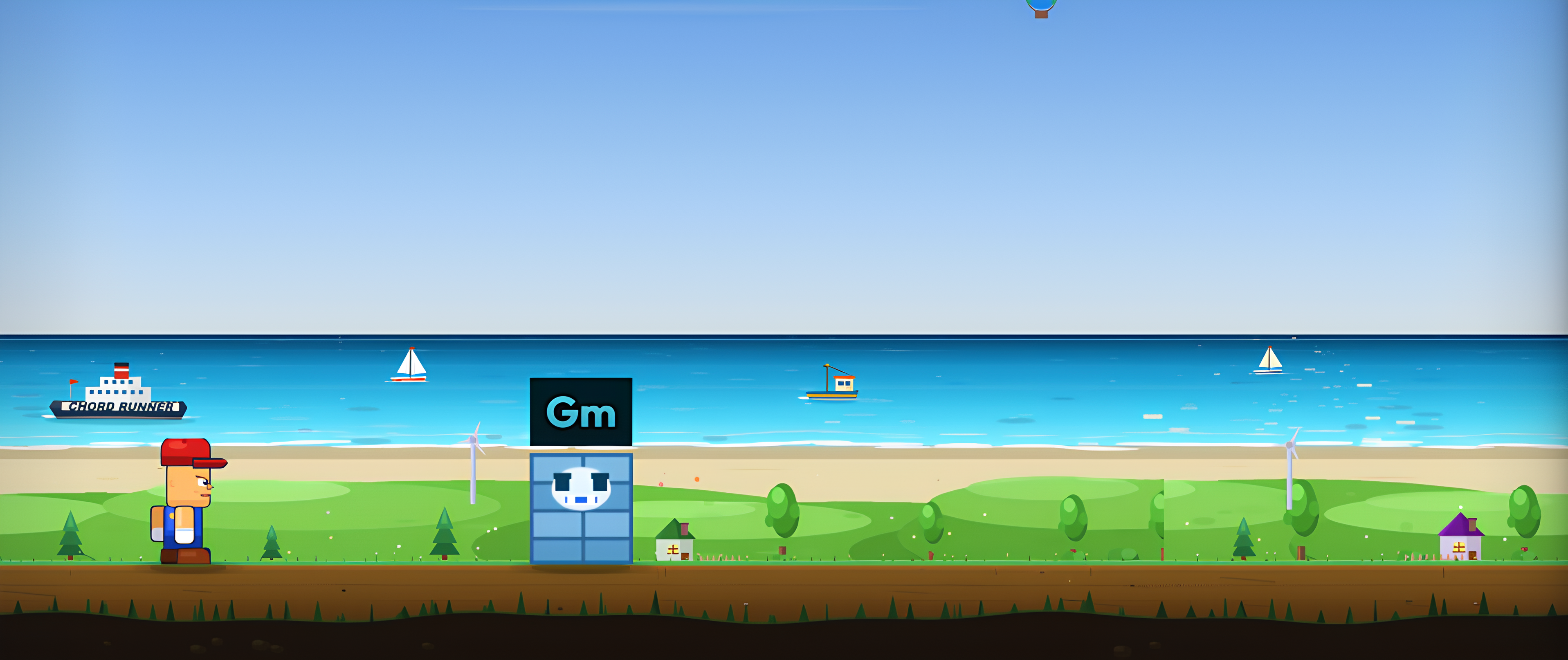
Play chords against other players
Join a live session, play the same chords everyone else is playing, and watch the scoreboard move. No download, no signup. MIDI keyboard or microphone.
▶ Try ChordRunner Free Free in the browser - open a session on any mode.What a live multiplayer chord game feels like
Most "chord games" are single player quizzes: a prompt, four buttons, a score only you see. A multiplayer chord game changes the stakes. When the round starts, everyone is on the same clock, and every chord you land nudges you up a scoreboard that the whole session is watching. Falling a chord behind is suddenly visible, which is exactly the pressure that turns "I know that chord" into "I can play that chord right now."
Because ChordRunner reads your real instrument, the game is not about tapping the right answer, it is about forming the right shape under time. A chord training session on your own builds the shapes; a multiplayer session proves they hold up when the clock and the company are both pushing.
Every mode can go multiplayer (with two exceptions)
Multiplayer is not a separate stripped-down mode. Almost every mode in the game can be opened as a public session. Tap a mode to see what a session of it plays like:
Tap a mode above to see how a session plays.
Ear Training and Learning stay solo on purpose: they are about listening and first steps, where another player's clock would get in the way.
Your instrument is the controller
Public sessions per mode
Each supported mode card shows a live count of how many sessions are running. Join one that is filling up, or create your own and share it with a friend. When the room is ready, a synchronised countdown starts the match for everyone at the same moment, so no one gets a head start.
Playing on MIDI or microphone
Multiplayer uses the same input as the rest of the game. Plug in a MIDI keyboard for note-perfect feedback, or let your microphone listen to an acoustic piano or guitar. Two players in one session can even use different inputs; the game only judges whether the chord was right, not how you made it. If you have never connected a keyboard in a browser, it takes about thirty seconds with Web MIDI.
Fair rounds and a live scoreboard
Every match starts all players from zero, so a session is a clean race, not a defence of some lifetime number. Endless sessions run in two-minute rounds; a host who sets a length gets a match clamped to a fair two-to-five-minute window. As chords land, scores climb and the leaderboard reorders live in front of everyone, and when the clock stops the final rankings appear. Then you go again. That short, repeatable loop is what makes a multiplayer chord game quietly effective: you get many honest, pressured reps in the time a single solo practice session would burn.
If the head-to-head format grabs you, the solo chord challenge is the same speed-under- pressure idea for one player, and the full picture of playing with others lives on our real-time multiplayer music learning page.
Play a multiplayer chord game now
Open the game, pick Standard Levels so the chords are familiar, and look for a session on the mode card, or start your own and invite a friend. Within one round you will see which chords you own on reflex and which ones the clock exposes. Nothing to install, free in the browser, MIDI keyboard or microphone.
Common questions
Is there a multiplayer chord game I can play in the browser for free?
Yes. ChordRunner is a browser chord game with real-time multiplayer sessions, free to try with no signup. You play chords on a MIDI keyboard or through your microphone while other players do the same in the same session, scored against the same clock.
How many players can be in one session?
A public session holds several players at once. You join from a live Sessions counter on the mode card, or create your own and let others fill it. When enough players are ready, the match starts for everyone with a synchronised countdown.
Can I play a multiplayer chord game with a specific friend?
Yes. Alongside public sessions you can invite a friend to a private room, where the host picks the mode and settings. Both of you play your own instrument in real time, even from different locations.
Do I need to be good at chords to join a multiplayer game?
No. You can open a session on Standard Levels, where all 12 major chords carry a full round, or on a simpler mode. Because every match starts everyone from zero, a beginner session is a fair, even race rather than a wall of experts.