Learn › A Multiplayer Piano Game in Your Browser
New Released in April 2026
A Multiplayer Piano Game in Your Browser
A browser multiplayer piano game lets you plug in a keyboard and play against other people online, with nothing to install. ChordRunner is exactly that: a zero-install browser game where your piano or MIDI keyboard is the controller, you join a live session, and you play chords in real time alongside or against other players, judged on a shared clock.
In your browser - runs on any computer, even school ones. The demo has limited content. Advanced features are in ChordRunner Premium.
- MIDI keyboard
- Digital or acoustic piano
- Guitar
- Computer, phone or tablet

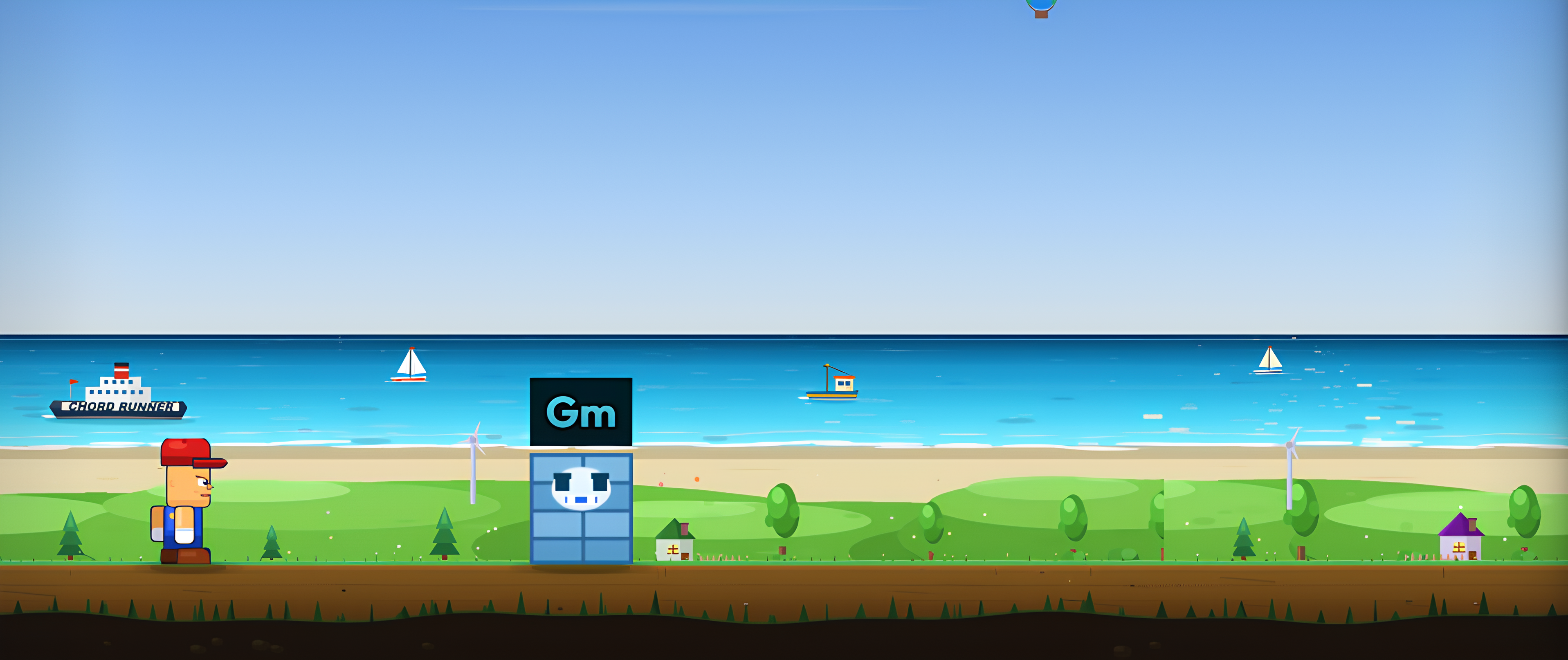
A multiplayer piano game in your browser
Bring your keyboard, join a session, play against others in real time. No download, no signup. Web MIDI or a microphone both work.
Piano multiplayer without a download
Most "piano games" ask you to install an app or make an account before you can touch a key. A browser game skips all of that: you open a link and you are in. That is not just convenient, it is what makes casual multiplayer possible, because a friend can join a session in the time it takes to paste a link, and it works on locked-down machines, a school Chromebook, a work laptop, where installing software is off the table.
ChordRunner is a chord and keyboard game rather than a free-play piano, so "winning" means playing the right chord at the right moment. That is what makes it fair to score head to head, and what makes it double as real chord training while you compete.
How you join a live session
Every supported mode shows a live count of running sessions. A mock of that session browser, tap a room to join:
In the real game these rooms are filling in real time; you join one, or create your own and share it.
Your keyboard is the controller
Web MIDI auto-detection
Any USB or Bluetooth MIDI keyboard works in the browser through Web MIDI: plug in, allow access once, and the game detects it automatically when a run starts. There is nothing to configure, and because it is all in the browser you can play from any computer without admin rights. New to it? Connecting a keyboard takes about thirty seconds.
No MIDI? Use a microphone
An acoustic piano with no MIDI out is still welcome. Microphone mode listens to your instrument and recognises the chord you played from the audio, in real time, in the browser. Two players in one session can even mix inputs, one on MIDI, one on a mic, since the game only cares whether the chord was correct.
Fair, fast and in real time
A browser game only counts as real multiplayer if it feels immediate. Sessions use a synchronised countdown, score everyone against the same clock over a websocket, and start every player from zero each round, so the result reflects playing, not luck or lag. It is the same competitive core as a multiplayer chord game and the chord battle format, aimed squarely at keyboard players. The whole picture lives on real-time multiplayer music learning.
Play a browser piano session now
Open the game, connect your keyboard or allow the microphone, and join a session on any mode, the chord levels are the easiest place to start. No install, no account for the demo, and it runs on whatever computer you are sitting at. Bring a friend by sharing the room.
Common questions
Is there a multiplayer piano game that runs in the browser?
Yes. ChordRunner is a browser-based multiplayer music game you play with a piano or keyboard: no install, no signup. You join a live session and play chords in real time against or alongside other players, using a MIDI keyboard or your microphone.
Do I need to install anything or create an account?
No. It runs entirely in the browser, so there is nothing to download and you can play the demo without an account. That also means it works on locked-down machines like school or work computers, where installing software is not an option.
How does the game read my piano?
Two ways. A MIDI keyboard connects through Web MIDI and is detected automatically when a run starts, giving note-perfect feedback. With no MIDI, the microphone listens to your acoustic piano and recognises chords from the audio in the browser.
Is a browser multiplayer piano game fast enough to be fair?
Yes. Sessions use a synchronised countdown and score everyone against the same clock over a websocket connection, and each match starts every player from zero. Your input is judged locally as correct or wrong, so the competition is about your playing, not your ping.
Your instrument is the controller.
ChordRunner is a browser game that teaches piano and guitar chords: a chord appears on screen, you play it on a real instrument, and your runner jumps. MIDI keyboard or microphone, both work.
Try the demoKeep learning
A Multiplayer Chord Game You Play With Your Instrument
A real-time multiplayer chord game in your browser: same chords, same clock, live scoreboard. Play on a MIDI k…
Connect Your MIDI Keyboard to the Browser
Plug in, allow access, play: how Web MIDI works, which browsers support it, and a game that detects your keybo…
Games You Can Play With a MIDI Keyboard
The best use for a MIDI keyboard is not another DAW tutorial: browser games where your playing is the controll…
Real-Time Multiplayer Music Learning
Learn music with other players live: join a session, play chords under a shared countdown and climb the in-mat…
Learn Chords With Friends, in Real Time
Invite a friend to a private room and practise chords together in real time. Host picks the mode and settings,…
Chord Battle: Duels, Races and Live Rounds
Go head to head in a chord battle: same chords, one clock, first to fall behind loses the round. Duel on a MID…